Reviewed by
Searching for “WooCommerce AI plugin” returns a dozen tools that don’t even compete in the same category. So this WooCommerce AI plugin comparison covers four real options side-by-side: a chatbot, a search engine, a content generator, and a description tool. Then you can pick the right category before you pick the tool.
Prices range from free to hundreds per month. Feature lists read like marketing copy. Honest comparisons are hard to find, especially when the tools solve completely different problems.
In this article, we’ll cover what each tool actually does, where each one wins, what it costs, and how long the setup really takes. I installed all four on a test store with 200 products. Here’s what happened.
Table Of Contents
- The Tools We’re Comparing (And Why These Four)
- The Master Comparison: Feature Matrix
- Pricing Comparison
- Setup And Ease Of Use
- Which Tool Is Right For Your Store?
- FAQ: WooCommerce AI Plugin Comparison
- Final Verdict: Why StoreAgent Is The WooCommerce AI Plugin To Start With
The Tools We’re Comparing (And Why These Four)
These four tools represent the main categories of WooCommerce AI plugins available today. Picking the right category matters more than picking the right tool inside the wrong one.
StoreAgent: AI chatbot, content, and insights (WooCommerce-native)
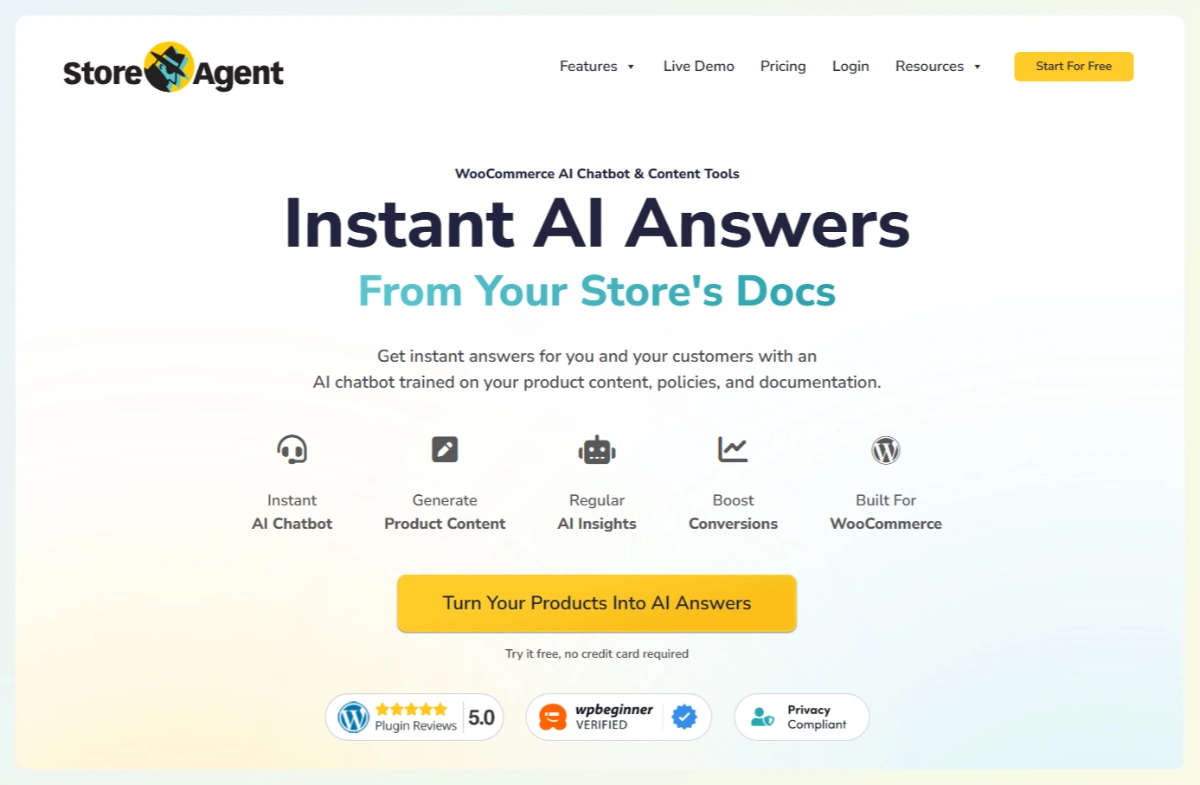
StoreAgent is a native WooCommerce AI plugin that combines a chatbot, content generation, and store insights. Its free WooCommerce AI MCP server also lets you connect Claude or ChatGPT to the same store. It reads directly from your WooCommerce database. So it knows your products, categories, attributes, variations, and order data without any extra setup.
No OpenAI API key required. See the full feature overview.
Tidio with Lyro AI: chatbot and live chat (multi-platform)
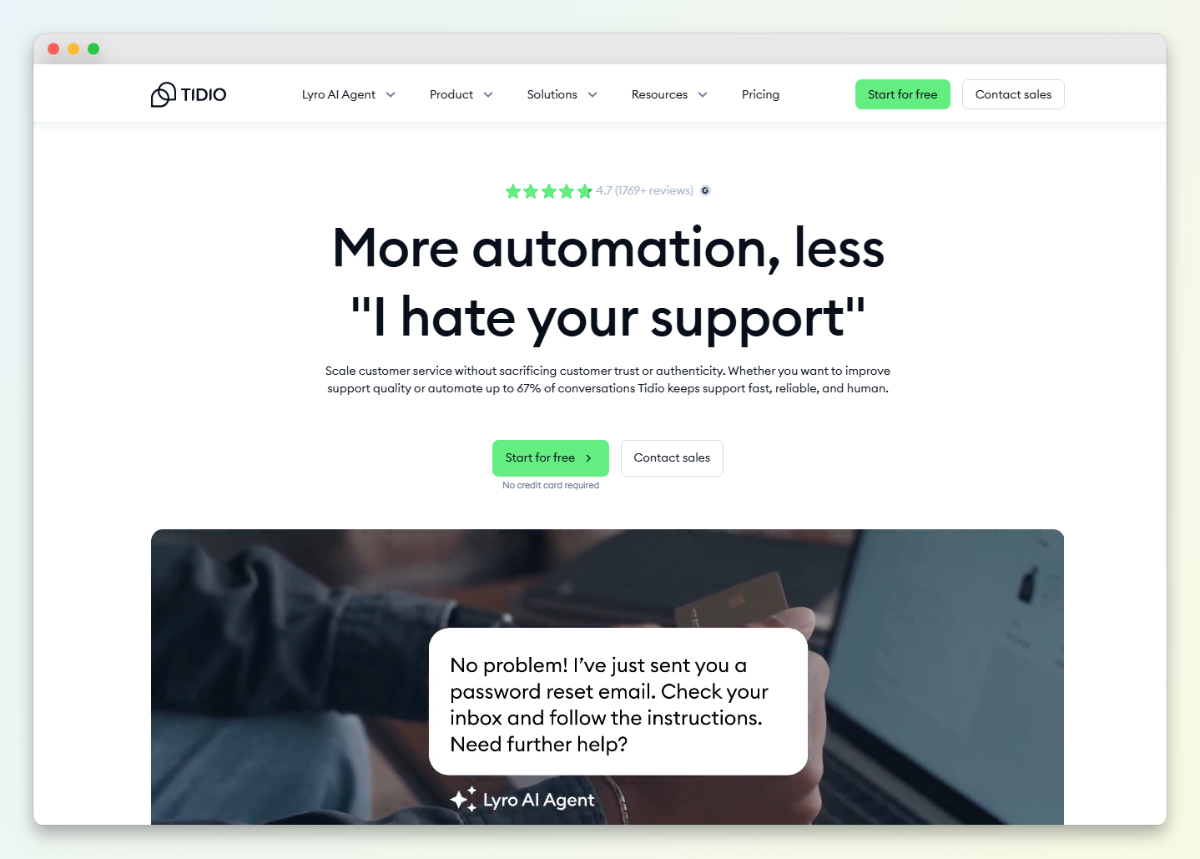
Tidio is a live chat and chatbot platform. It works across multiple ecommerce platforms, not just WooCommerce. Lyro AI is their conversational AI add-on that handles customer queries automatically.
It requires a separate Tidio account. Lyro AI also has its own pricing on top of the base Tidio plan.
Clerk.io: search, recommendations, and email (multi-platform)
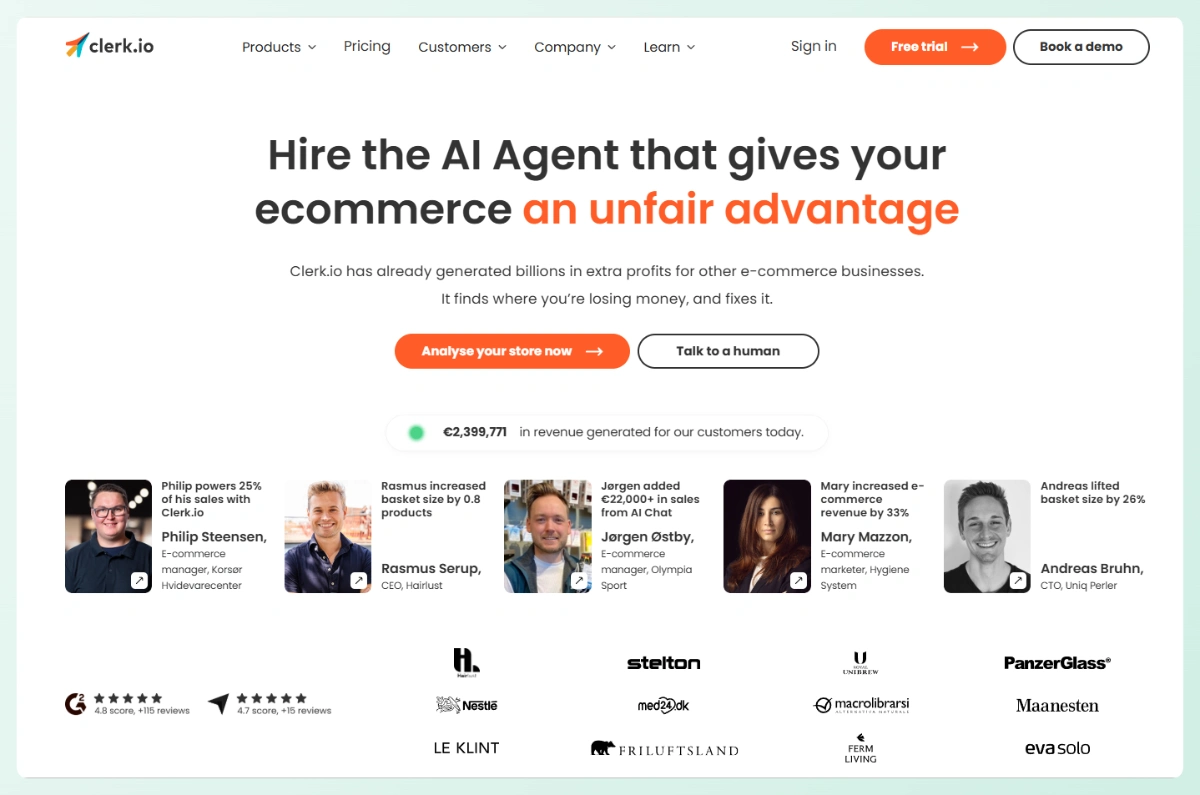
Clerk.io is a product discovery platform focused on search, recommendations, and email personalization. It works across multiple ecommerce platforms. The platform uses its own AI to learn from visitor behavior.
Setup requires API configuration, a JavaScript snippet, and catalog syncing.
AI product description tools (various WooCommerce plugins)
This category covers WooCommerce plugins focused specifically on AI product description generation. They generate or rewrite product copy. Most are simple, single-purpose tools.
They typically require an OpenAI API key. They also don’t include chatbot or search features. For a broader look at the landscape, see our guide to the best AI plugins for WordPress.
The Master Comparison: Feature Matrix
Below is the head-to-head WooCommerce AI plugin comparison. Each section covers one capability across all four tools.
AI chatbot quality
StoreAgent’s WooCommerce chatbot answered product-specific questions accurately because it reads WooCommerce product data directly. When I asked about a specific variation, it confirmed availability with the correct price. It also handled order tracking by pulling real order data.
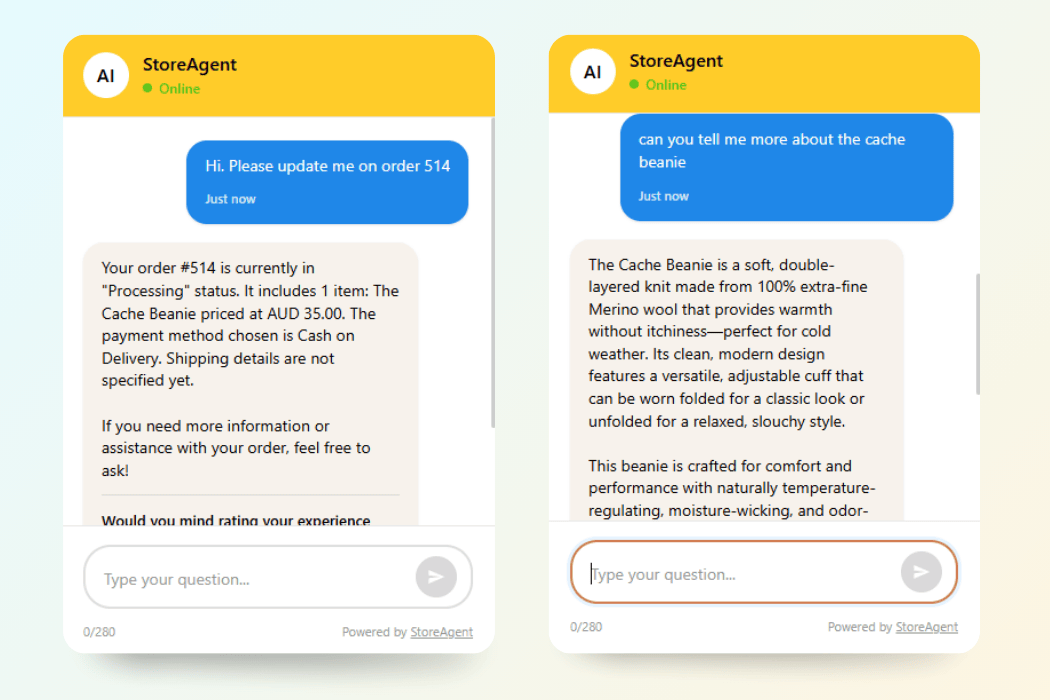
Here’s how the others handled the same tests:
- Tidio (Lyro AI): Strong on general customer service, but I noticed it struggled with product-specific catalog queries. Lyro suggested I check the product page rather than answering directly.
- Clerk.io: Chat capabilities were added more recently. The focus is product discovery, not customer service.
- AI product description tools: No chatbot functionality at all.
Tidio uses a hybrid model: Lyro handles what it can, then hands off to a human agent when it can’t.
Content generation
StoreAgent Content generates product descriptions, short descriptions, category descriptions, product tags, image alt tags, and review summaries directly from your WooCommerce product data. Because it reads your existing attributes and categories, the output includes specific details rather than generic copy.
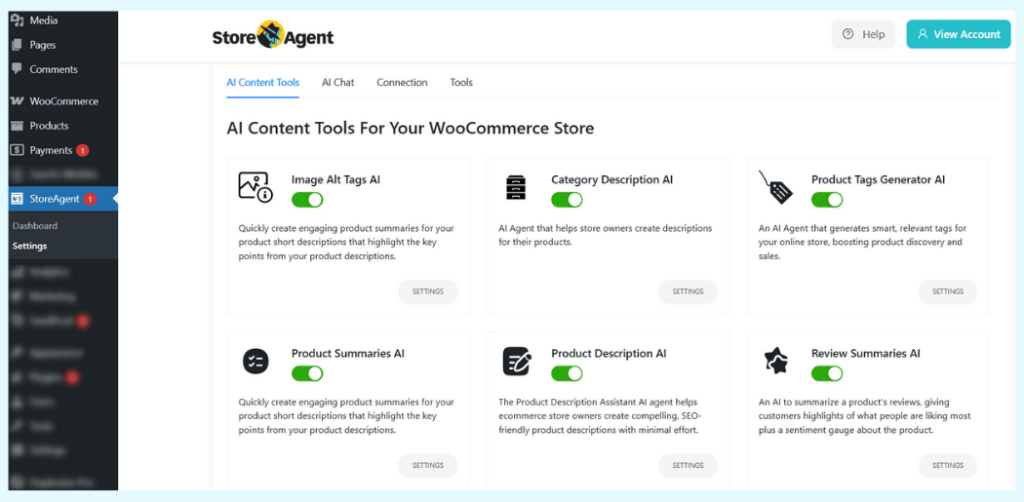
I generated descriptions for several test products. The results included real product attributes and category-specific language without any manual input.
Here’s how the others compare:
- Tidio: No content generation features.
- Clerk.io: No content generation features.
- AI product description tools: Handle descriptions well, but most require you to paste product details manually or connect via an OpenAI API key.
For more detail on this category, see our roundup of the best AI content tools.
Product search and discovery
Clerk.io focuses on search as its primary product category. Specifically, its search engine learns from visitor behavior, handles typos and synonyms, and shows results based on purchase patterns. When I tested it on the demo store, it returned relevant results for partial and misspelled queries.
StoreAgent handles product search through its chatbot. You can ask it to find products by attribute, category, or use case. It searches the WooCommerce database and answers conversationally rather than returning a results page.
Tidio and AI product description tools don’t offer product search.
Recommendations and personalization
Clerk.io provides multiple recommendation algorithms based on purchase history, browsing behavior, and trending products. This is a core feature with dedicated placement options across your store.
StoreAgent offers product recommendations through chatbot conversations. When a customer asks for suggestions, the chatbot recommends products based on the catalog data it knows. It’s conversational rather than widget-based.
Tidio and AI product description tools don’t offer product recommendations.
Analytics and insights
Each tool takes a different angle on analytics:
- StoreAgent: AI-powered store insights including content-improvement opportunities and automated notifications, surfaced in the dashboard.
- Tidio: Conversation analytics focused on chat performance and agent metrics.
- Clerk.io: Revenue attribution analytics tied to its search and recommendation features.
- AI product description tools: Generally don’t include analytics.
WooCommerce integration depth
This is where the tools differ most. StoreAgent installs as a single WordPress plugin and connects directly to the WooCommerce database. The only extra step is creating a free StoreAgent.ai account to activate the AI features.
StoreAgent setup at a glance
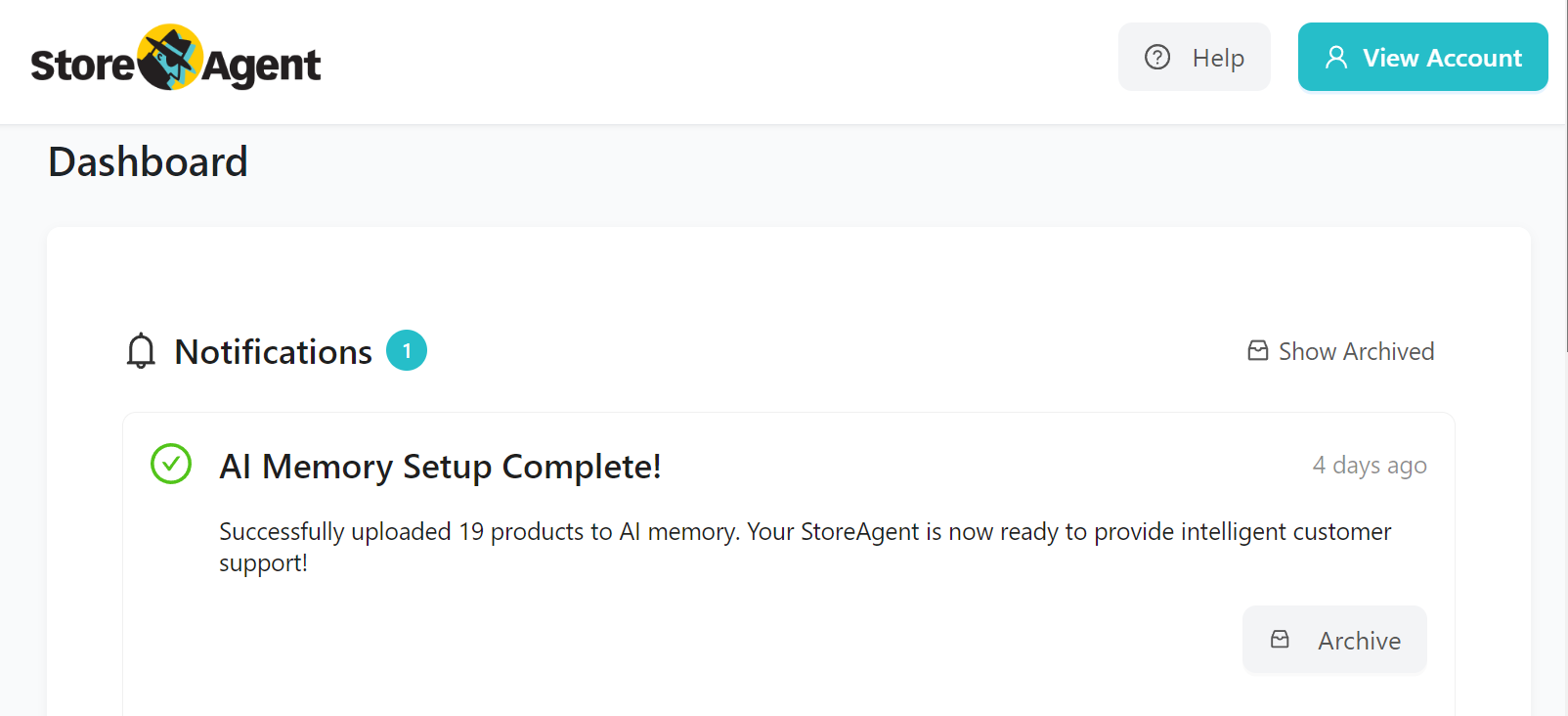
- Single WordPress plugin install
- Free StoreAgent.ai account (no OpenAI API key needed)
- No JavaScript snippet to paste into your theme
- Reads product data, variations, attributes, pricing, and orders natively
Tidio setup at a glance
Tidio requires a WordPress plugin plus a separate Tidio account. The WooCommerce connection runs through the plugin. However, the AI training is based on your FAQ content and website pages rather than direct database access.
Clerk.io setup at a glance
Clerk.io requires the most setup steps:
- Install the WordPress plugin
- Configure API credentials
- Add a JavaScript snippet to your theme
- Wait for the initial catalog sync to complete
The platform is feature-rich, but the setup reflects that complexity. For more on how chatbot training methods differ, see how to train an AI chatbot on your site.
What We’ve Seen: Most store owners don’t need every AI category. Before comparing tools, identify your primary need. If customer support is your biggest pain point, start with chatbot quality. If product discovery drives revenue, start with search. Trying to solve every AI need with one tool can lead to paying for features you never use.
Full feature matrix
Here’s the side-by-side based on testing and published documentation:
| Category | StoreAgent | Tidio (Lyro AI) | Clerk.io | AI Product Tools |
|---|---|---|---|---|
| AI Chatbot | Core, product-aware, catalog-trained | Core, Lyro AI, FAQ-trained | Available, newer addition | None |
| Content Generation | Yes, full content suite | No | No | Yes, descriptions only |
| Product Search | Via chatbot | No | Core, visual and text search | No |
| Recommendations | Via chatbot conversations | No | Core, multiple algorithms | No |
| Email Automation | No | Yes, basic | Yes, advanced | No |
| Store Analytics/Insights | Yes, AI-powered | Conversation analytics only | Revenue attribution | No |
| WooCommerce Native | Single plugin (free StoreAgent.ai account) | Plugin plus external account | Plugin plus API plus JS | Plugin |
| Free Tier | Yes (50 one-time chats, 25 one-time content tasks) | Yes (basic, no AI) | No | Varies |
| OpenAI API Key Required | No | No | No (uses own API) | Often yes |
Pricing Comparison
Pricing is the second-biggest filter in any WooCommerce AI plugin comparison. The four tools price differently. Some charge per seat, others per conversation, others by catalog size.
Free tiers and trials
- StoreAgent: Genuine free Lite plan with 50 AI chat replies and 200 AI tasks as one-time credits (they do not renew; paid plans get monthly credits). No credit card required.
- Tidio: Free plan with basic live chat. Lyro AI is not included; you get 50 free Lyro conversations as a one-time trial.
- Clerk.io: No free tier.
- AI product description tools: Vary widely. Some offer limited free generations; others require a paid API key from day one.
For a look at all free options, see StoreAgent’s free AI tools.
Paid plans side-by-side
Here’s how the paid pricing compares (based on published pricing pages as of August 2026):
| Aspect | StoreAgent | Tidio (Lyro AI) | Clerk.io | AI Product Tools |
|---|---|---|---|---|
| Free Tier | Yes (50 chats, 200 AI tasks, one-time) | Yes (basic, no AI) | No | Varies |
| Starting Paid Price | $19/month (Growth) | $29/month (Lyro adds $39+/month) | Custom quote per service | $5–20/month |
| Pricing Model | Flat monthly | Per-seat plus per-conversation add-ons | Catalog size plus traffic | Per-generation or flat |
| Pricing Transparency | Fully published | Published | Partial; custom quotes for larger stores | Usually published |
Total cost of ownership at different store sizes
For a small store (under 500 products) that needs both an AI chatbot and content generation:
- StoreAgent: $0 to $49/month depending on volume (Lite, Growth, or Pro plan)
- Tidio plus AI product tool: $29 + $39 (Lyro) + $10 (description tool) = $78+/month
- Clerk.io plus separate chatbot: a custom quote for search alone, plus chatbot cost on top
For a medium store (500 to 5,000 products) focused on product discovery:
- Clerk.io prices on catalog size and traffic, which spreads the cost across higher transaction volume as the store grows
- StoreAgent uses flat monthly pricing across the chatbot plus content combination, so costs stay predictable as volume rises
- Tidio costs scale with conversation volume, which can rise with higher traffic
Setup And Ease Of Use
Setup time varies dramatically across these four tools. Here’s how each one rolled out on the test store.
StoreAgent setup
StoreAgent took the least effort to get running. The full setup ran like this:
- Install the plugin and activate it
- Create a free StoreAgent.ai account
- Press Connect
From there, the chatbot connected to the WooCommerce product catalog automatically. There’s no OpenAI API key to configure and no JavaScript snippet to paste anywhere.
Tidio setup
Tidio’s setup involved more moving pieces. First, install the WordPress plugin. Then create a Tidio account, configure the chatbot flow builder, and set up Lyro AI with FAQ content.
The flow builder is powerful, but it adds real complexity. The setup is modular, with separate configuration screens for live chat, automation, and AI.
Clerk.io setup
Clerk.io’s setup was the most involved. I installed the WordPress plugin, configured API credentials, added the JavaScript snippet to the theme, and waited for the initial catalog sync to complete. The platform is feature-rich, although the setup reflects that complexity.
AI product description tool setup
These typically install quickly. However, most require pasting in an OpenAI API key. That means creating an OpenAI account and managing API billing separately.
Which Tool Is Right For Your Store?
The right tool depends on your primary need. Here’s how to match the four tools to common scenarios.
Best for customer support chatbot
StoreAgent is the strongest option if customer support is your primary need. Its direct WooCommerce database access means it answers product-specific questions, checks inventory, and pulls real order data.
The StoreAgent AI chat handles the most common customer queries out of the box.
How each tool handles product discovery and search
Product discovery is approached differently across these tools. Clerk.io’s search engine, recommendation algorithms, and email personalization are built around traditional storefront search and merchandising widgets.
StoreAgent handles discovery conversationally, through chatbot questions about attributes, categories, and use cases. So the right fit depends on whether your customers prefer a search bar and recommendation panels or a chat conversation.
Best for content generation
StoreAgent is the only tool here that combines content generation with chatbot and analytics in a single WooCommerce-native plugin. It generates descriptions, category descriptions, alt tags, and review summaries from the same product data your chatbot uses.
See StoreAgent’s AI content generation for details.
Best for all-in-one AI on WooCommerce
StoreAgent is the only plugin that covers chatbot, content, and analytics in a single WooCommerce-native installation. You get three AI capabilities without managing three tools, three billing accounts, or three integration setups.
Best for budget-conscious stores
StoreAgent’s free Lite plan provides genuine AI capabilities at $0:
- 50 AI chat replies (one-time, no renewal)
- 200 AI content tasks (one-time, no renewal)
- Up to 1,000 AI memory items
- No credit card, no API key
No other tool in this comparison matches that combination on a free plan. Check StoreAgent pricing for the full breakdown.
What We’ve Seen: Stores that try to solve every AI need with one tool often end up underusing most features. The stores we see getting the best results pick the tool that excels at their primary need. A store that mainly needs customer support gets more value from a strong chatbot than from a tool that does everything at a surface level.
Final Verdict: Why StoreAgent Is The WooCommerce AI Plugin To Start With
After running this WooCommerce AI plugin comparison across all four categories, one thing stands out. StoreAgent is the only plugin that combines chatbot, content generation, and analytics in a single WooCommerce-native install.
That combination matters more than it might seem. When your chatbot reads the same product data that powers your content generation, both get smarter. When your analytics show which products customers ask about most, you know which descriptions to improve first.
How the other tools differ in scope
- Clerk.io: Built around storefront search, merchandising widgets, and email personalization, with no chatbot or content generation in the same product.
- Tidio: A live chat platform with an AI add-on (Lyro), built to work across multiple ecommerce platforms rather than WooCommerce-specifically.
- AI product description tools: Focused on copy generation only, usually requiring an OpenAI API key, with no chatbot, search, or analytics features.
Why StoreAgent wins overall
For most WooCommerce store owners who want to start using AI without juggling multiple tools, accounts, and bills, StoreAgent delivers the most complete experience at the lowest entry point. Here’s a quick recap of what we covered:
- StoreAgent’s chatbot reads directly from WooCommerce, giving it an accuracy advantage for product-specific questions
- Content generation uses your existing product data, producing descriptions that include real attributes and categories
- The free Lite plan is genuine: 50 AI chats and 200 AI tasks as one-time credits, no credit card, no OpenAI API key
- Setup takes minutes, not hours
If you’re ready to see what WooCommerce-native AI can do for your store, start with StoreAgent’s free Lite plan. No OpenAI API key, no credit card, and no commitment.
FAQ: WooCommerce AI Plugin Comparison
Can I use multiple WooCommerce AI plugins at the same time?
Yes. Many stores run a chatbot plugin alongside a search plugin without conflicts. However, running two chatbot plugins simultaneously can create widget conflicts. Pick one chatbot solution and supplement with specialized tools if needed.
Which WooCommerce AI plugin is best for a store with under 100 products?
StoreAgent’s free Lite plan is designed for smaller stores. With 50 one-time AI chats and 25 one-time content tasks, it lets stores under 100 products test the tool at no cost; the $19 Growth plan adds monthly credits.
Do any of these plugins require an OpenAI API key?
StoreAgent and Tidio do not. StoreAgent uses your free StoreAgent.ai account to authenticate AI requests through its own infrastructure. Clerk.io uses its own API key system. Most standalone AI product description tools require an OpenAI API key, which means you manage a separate billing account with OpenAI.
Is there a free WooCommerce AI plugin that includes a chatbot?
Yes. StoreAgent’s Lite plan is free and includes 50 one-time AI chat replies. Tidio’s free plan includes basic live chat, but it doesn’t include Lyro AI conversations beyond the initial trial.
How do WooCommerce AI plugins compare to Shopify’s built-in AI features?
Shopify has added AI features natively, including product description generation. WooCommerce doesn’t have built-in AI. However, plugins like StoreAgent go further by combining chatbot, content, and analytics in ways Shopify’s built-in features don’t yet match. The plugin ecosystem also gives WooCommerce stores more flexibility to choose specialized tools.
Will AI plugins slow down my WooCommerce store?
Well-built AI plugins load their assets asynchronously, so the impact on page load time is minimal. StoreAgent loads the chat widget asynchronously. Clerk.io’s JavaScript snippet adds some page weight but is optimized for performance. Always test site speed after installing any new plugin.