Reviewed by
The best WooCommerce plugins are the ones that make the biggest, fastest difference to a store: tools that remove friction for shoppers and work for you automatically. The shortlist that matters for most stores is an AI chatbot for instant answers, plus plugins for promotions, wishlists, product feeds, SEO, performance, security, payments, analytics, and reviews. Below are the picks that deliver a noticeable improvement quickly, starting with the one that affects every customer interaction.
WooCommerce out of the box is a capable store, but it is deliberately lean. The right plugins turn it into a store that answers questions, recovers lost sales, and markets itself.
The trick is choosing tools that pay off immediately rather than adding bloat, so this guide favors impact you will see in days, not months, and labels each pick free or paid so you know where you can start without spending anything.
Table of Contents
How To Choose The Best WooCommerce Plugins (And Why More Isn’t Better)
Pick the fewest plugins that each earn their place. Every plugin you install adds code that runs on your store, so a leaner stack of high-impact tools beats a long list of overlapping ones. The fastest way to choose well is to run each candidate through three tests.
- Does it touch the customer or your revenue? Tools that affect every visit, such as answers, search, and checkout, usually beat back-office niceties.
- Is it well-maintained? A reputable, frequently updated plugin is worth more than a feature-rich abandoned one, because security and compatibility matter as much as features.
- Will you actually use it? An unused plugin is pure weight. Install for a real need, not a hypothetical one.
With that lens, here are the plugins that consistently pass, ordered roughly by how broadly they improve a typical store. Each pick notes whether it has a free tier or is paid, so you can build a stack that fits your budget. If you only adopt two or three this week, take them from the top of the list, where the customer-facing tools live.
1. StoreAgent AI: An AI Chatbot That Knows Your Store (Free Tier)
StoreAgent is the single highest-leverage addition for most stores because it works on revenue and time at once. It is a WooCommerce AI chatbot that answers customer questions instantly from your live catalog, prices, and order data, 24/7, with no coding. It auto-ingests your products and pages, so it starts answering accurately without you writing a knowledge base by hand. StoreAgent’s free WooCommerce MCP server, included on every plan, also lets you connect Claude or ChatGPT to run store tasks.
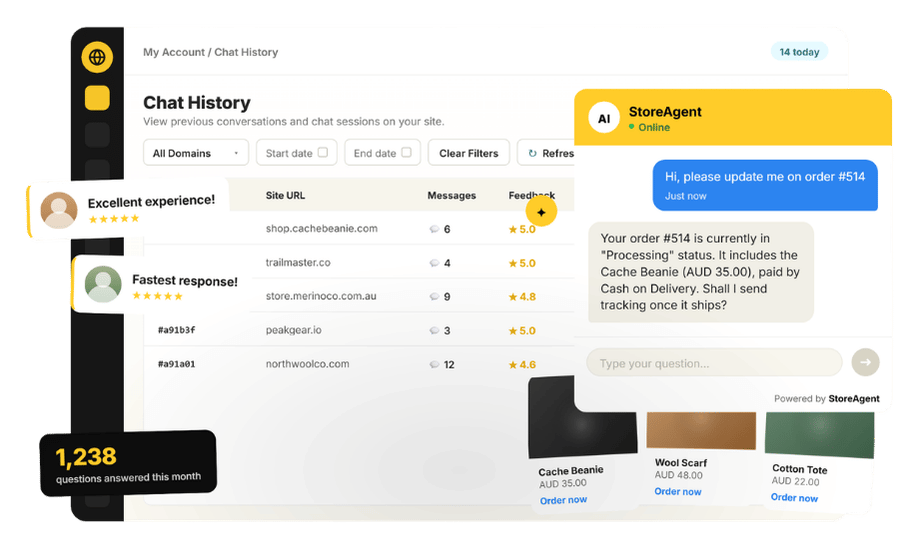
What sets it apart from a generic chatbot is that it reads real store data rather than guessing. Logged-in customers can ask “where is my order?” and get a real answer from their own order history, while anyone can ask about sizing, stock, or shipping and get a response grounded in your catalog. On paid plans it can escalate anything complex to a human with full context, and it can offer a coupon or suggest an upsell and cross-sell right inside the conversation.
It earns the top spot because unanswered questions quietly cost sales: Baymard Institute puts the average documented cart abandonment rate at around 70%, and an assistant that answers in the moment recovers some of those while taking repetitive messages off your plate.
There is a free Lite plan, with Growth at $19 and Pro at $49 per month, so it is a low-risk first improvement. (You will need a free StoreAgent.ai account to connect it to your store.)
2. A Promotions And Coupons Plugin (Free + Paid)
WooCommerce’s native coupons are basic, so a dedicated promotions plugin gives you real levers to drive average order value. Advanced Coupons adds BOGO deals, auto-applied discounts, cart conditions, scheduling, and store credit and cashback rewards that the core cart cannot do alone.
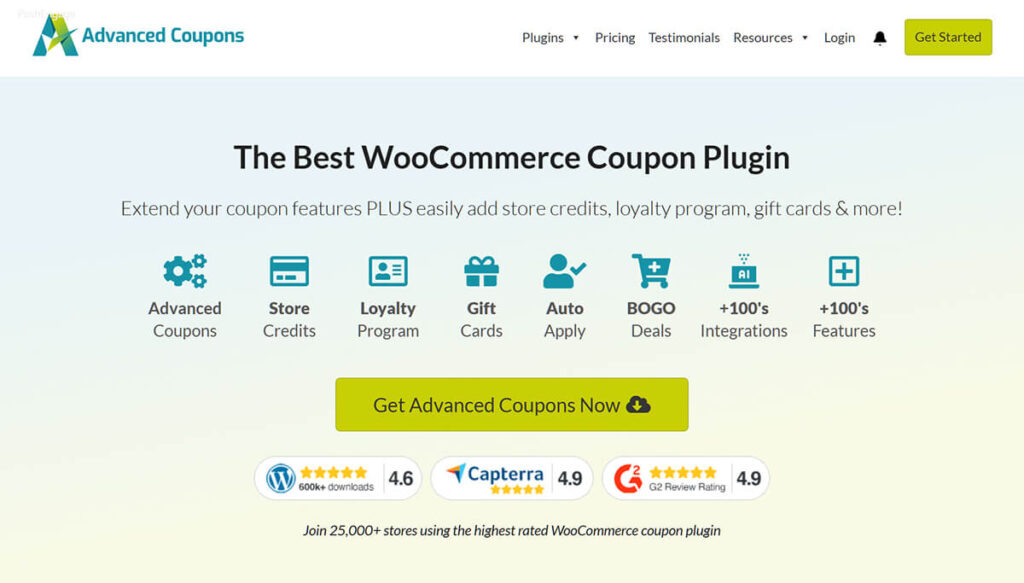
The payoff is direct: better-targeted promotions mean more revenue from the same traffic, and scheduling means campaigns run without you babysitting them. It has a free version on WordPress.org and a paid Premium tier for the advanced rules.
3. A Wishlist Plugin To Capture Intent (Free + Paid)
Shoppers who are not ready to buy still signal what they want, and a wishlist captures that signal. SaveTo Wishlist lets customers save products for later, giving you a reason to bring them back and a window into demand.
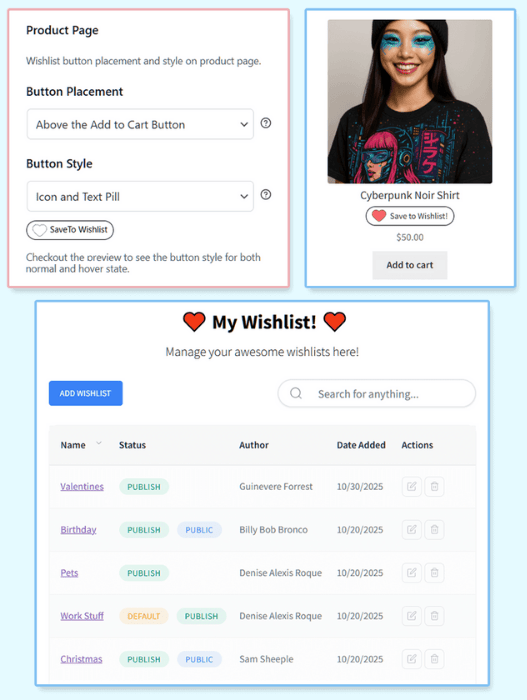
A saved item is a warm lead you can follow up on, instead of a visit that left no trace. It offers a free plugin plus a paid Pro version that adds analytics and automations for following up on saved items.
4. A Product Feed Plugin For Shopping Ads (Free + Paid)
If you advertise, or want to, a product feed tool gets your catalog onto the channels where shoppers search. Product Feed PRO by AdTribes generates and syncs feeds to Google Shopping, Facebook, TikTok, and other channels, keeping prices and stock in sync automatically.
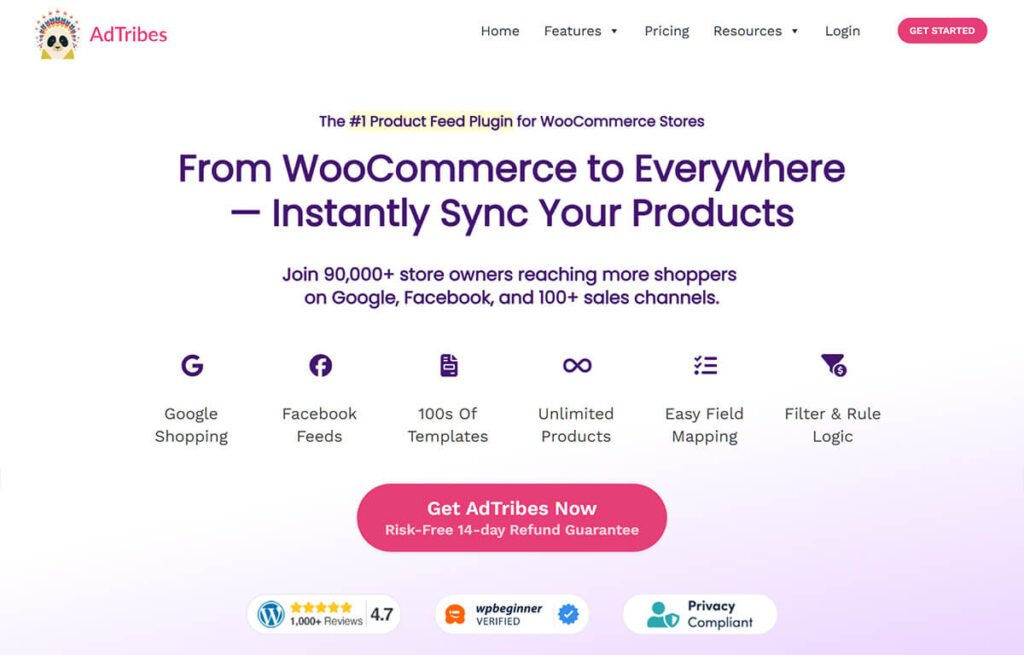
That automatic sync prevents the disapproved-product headaches that come from feeds drifting out of date. There is a generous free version, with an Elite upgrade for advanced field mapping and extra channels.
5. An SEO Plugin: AIOSEO (Free + Paid)
Organic traffic compounds, so an SEO plugin belongs in the stack from the start. AIOSEO (All in One SEO) gives you on-page controls, automatic XML sitemaps, and WooCommerce-aware product schema that helps your products and content rank and show rich results in search.
Unlike paid traffic, the rankings you build keep working after you stop actively investing. It has a capable free version and a Pro tier that adds richer schema, redirects, and search-statistics reporting.
If you want chat and search to reinforce each other, our guide to increasing ecommerce conversion rate covers how on-site answers and discoverability work together.
6. A Caching And Performance Plugin (Paid; Free Options Exist)
Speed affects both conversions and rankings, so a caching plugin is worth adding early. WP Rocket is the most popular paid pick: it handles page caching, file minification, lazy loading, and database cleanup from one settings screen, which matters most on product and checkout pages where every second of delay costs sales.
It also offsets the weight of the other plugins on this list. If you want a free starting point, W3 Total Cache or WP Super Cache cover the basics, though WP Rocket needs far less tuning to get a fast result.
7. A Security And Backup Plugin (Free + Paid)
Security is not glamorous, but for a store, downtime is lost sales. A firewall plugin such as Wordfence or Sucuri blocks malicious traffic and login attacks, while a backup plugin such as UpdraftPlus keeps scheduled off-site copies of your store so a bad update or attack is an inconvenience rather than a catastrophe.
Pair one of each. All three have free versions, with paid tiers that add real-time firewall rules, malware scanning, and one-click cloud restores. The insurance pays for itself the first time you need to roll back.
8. A Payments Plugin (Free To Install)
How you take payment shapes how many checkouts you actually finish. WooPayments (the official gateway from the WooCommerce team) and Stripe both let you accept cards, Apple Pay, and Google Pay directly on your site, so shoppers never get bounced to a clunky third-party page.
Express-checkout buttons and saved cards cut the form-filling that drives abandonment, especially on mobile. The plugins are free to install; you pay only standard per-transaction processing fees, which makes this an easy upgrade over a basic redirect-style gateway.
9. An Analytics Plugin: MonsterInsights / GA4 (Free + Paid)
You cannot improve what you cannot measure, so connect proper analytics early. MonsterInsights wires Google Analytics 4 into WordPress without code and adds WooCommerce ecommerce tracking, so you can see which products, sources, and pages actually drive revenue, right inside your dashboard.
That data tells you which of the other plugins on this list are earning their place. It has a free version for core stats and a paid tier for the ecommerce and funnel reports.
10. A Reviews Plugin (Free + Paid)
Social proof sells. A product reviews plugin makes it easy to collect and display customer feedback, which lifts trust and conversion on product pages with little ongoing effort.
Tools like Customer Reviews for WooCommerce or Judge.me automate review-request emails and show star ratings in search results through review schema. For newer stores especially, visible reviews close the credibility gap that makes first-time shoppers hesitate. Both have free versions, with paid tiers for richer widgets and photo reviews.
11. A Wholesale Plugin (If You Sell B2B; Free + Paid)
If you sell to other businesses, a dedicated wholesale plugin lets one store serve both retail and B2B. Wholesale Suite adds tiered pricing, wholesale-only registration, and bulk ordering so you can serve trade buyers without running a second site.
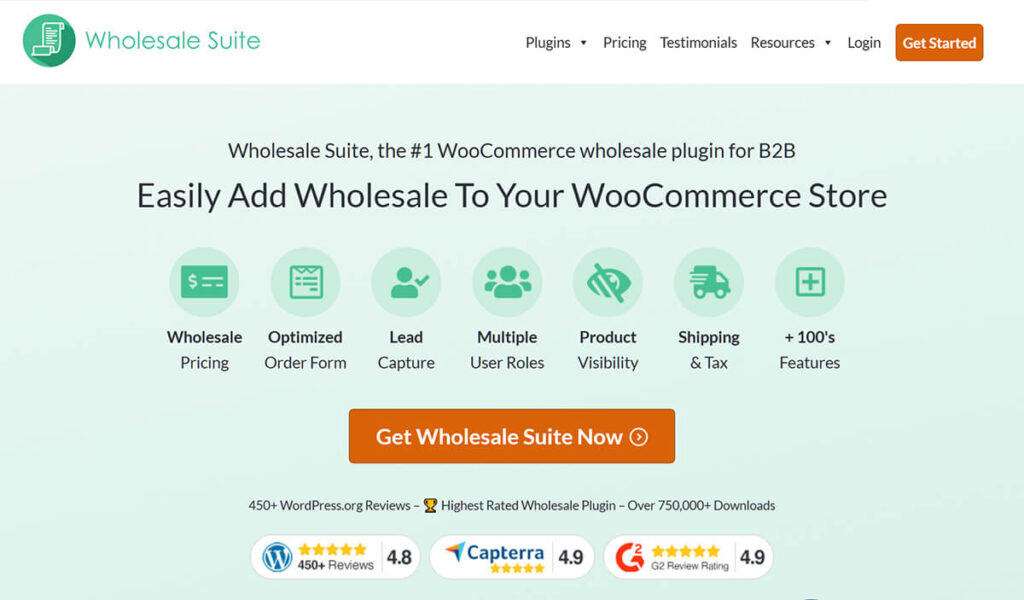
Skip it if you are purely retail, but if even a slice of your orders are bulk, it removes a lot of manual quoting and custom-pricing work. It has a free plugin to get started and a paid suite for the full pricing and ordering toolkit.
What we’ve seen: owners tend to install a dozen plugins at once, slow their site down, and then cannot tell what actually helped. A better pattern is to add the highest-impact one first, usually customer-facing like an AI chatbot, measure the difference, then layer in the rest. Impact first, breadth later. The stores that win are not the ones with the longest plugin list; they are the ones whose handful of plugins each solve a real problem.
Where To Start: Prioritize By What Your Store Needs
Start with the customer-facing tool, then build outward by need. An AI assistant that answers shoppers instantly touches every visit and is free to try, which is why it is the best first plugin for most WooCommerce stores. From there, a sensible order is payments and SEO (foundations), then promotions and reviews (conversion), then performance, security, analytics, and feeds (operations and growth), with wholesale only if you sell B2B.
Begin with StoreAgent’s WooCommerce AI chatbot on the free Lite plan, connect it with a free StoreAgent.ai account, and add the rest one tool at a time, measuring as you go.
Frequently Asked Questions
Which WooCommerce plugin should I install first?
Start with a customer-facing one that affects every visit. An AI chatbot like StoreAgent answers shopper questions instantly from your live catalog and orders, and is free to try, so it delivers a fast, visible improvement before you add anything else.
How many plugins is too many?
There is no fixed number, but each plugin adds weight. Add the highest-impact tools, keep them updated, and remove anything you do not use. A lean stack of well-maintained plugins outperforms dozens of overlapping ones every time.
Will these plugins slow down my store?
Well-built plugins have minimal impact, and a caching plugin like WP Rocket offsets the rest. Choose reputable, frequently updated tools, monitor performance after each addition, and remove anything you are not actively using.
Are there free versions of these plugins?
Most have free tiers, including StoreAgent’s free Lite plan for its AI chatbot, free versions of Advanced Coupons, SaveTo Wishlist, AIOSEO, AdTribes, Wordfence, and MonsterInsights, plus payment plugins that are free to install. Start free where you can and upgrade only when the value is clear.
Do I need all of these?
No. Pick the ones that match your store. Skip the wholesale plugin if you are purely retail, and skip the feed plugin if you do not run shopping ads. Prioritize customer-facing improvements first, then add the rest by need.
Which plugins matter most for a brand-new store?
For a new store, focus on the foundations that build trust and capture sales: an AI chatbot for instant answers, a smooth payments plugin, an SEO plugin, and a reviews plugin to close the credibility gap. Add performance, security, and analytics as traffic grows.